Unlimited
contacts on every plan
 Castor
Welcome, exit, shipping, and the next product — from your catalog, in your colors. One embed. One theme block.

INTERACTIVE DEMO
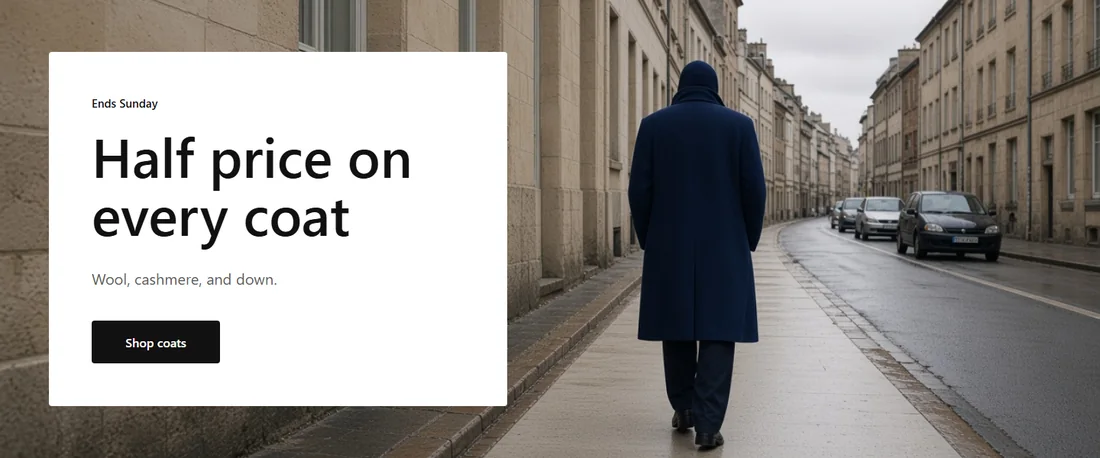
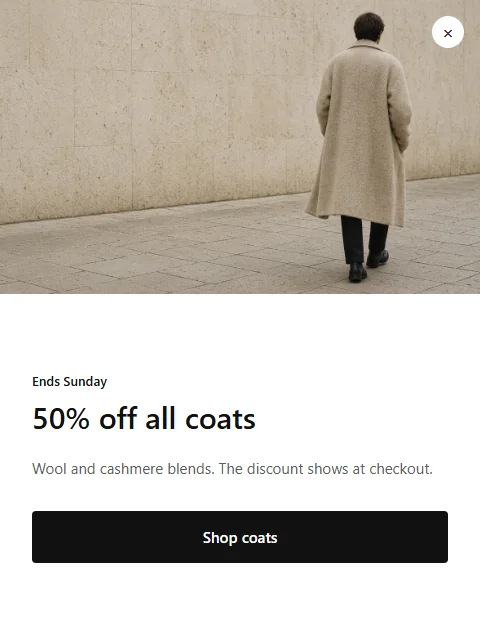
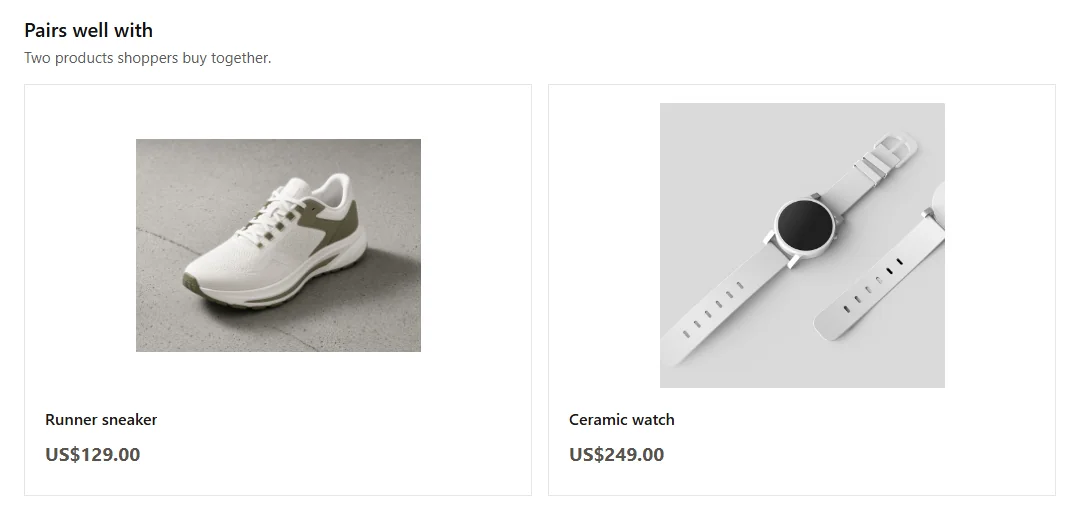
A real popup and product row from the gallery. On your store they fill from Shopify — here they are shots from the app.
BUILT FOR SHOPIFY
01
Listed on Shopify
Install from Apps. Castor opens inside the admin you already use.
02
No theme code
One embed for popups. One theme block for widgets. Uninstall cleanly.
03
Unlimited contacts
Every signup is kept on Free, Startup, and Grow. No per-contact fee.
04
Billed by Shopify
Plans charge on the Shopify invoice. There is no card to enter here.
THE NUMBERS
Unlimited
contacts on every plan
140+
ready designs
3 + 3
popups and widgets on Free
13 KB
storefront script
ON THE STORE
Three jobs every store runs. Castor designs them for your catalog and brand — then you turn them on.
01
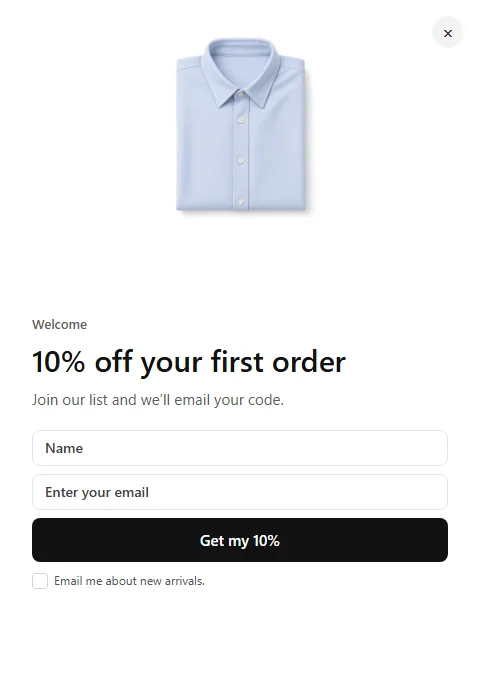
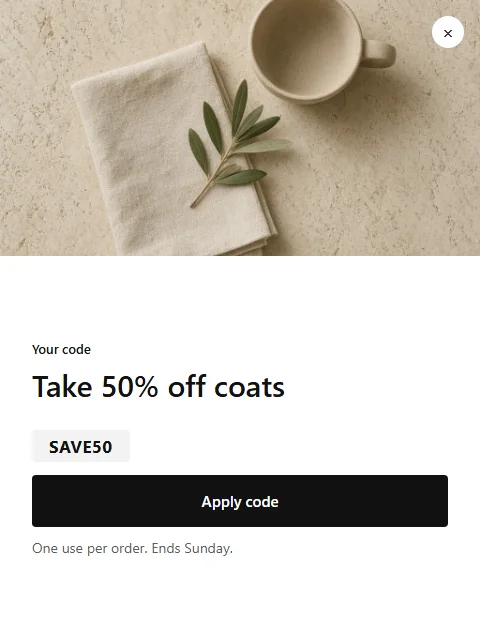
Welcome offers ask once, with a code the shopper can use right away. Unlimited contacts on every plan.
02
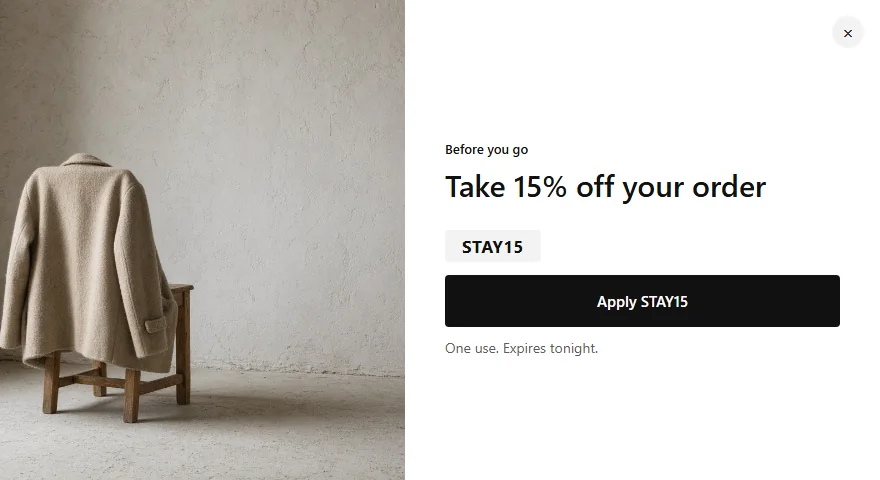
Exit offers show when the pointer heads for the tab bar. On phones, popups wait for a scroll.
03
A free-shipping bar counts up with the cart. Product rows fill from your catalog.
CASE STUDIES
Fashion, beauty, home, food, and tech — each with designs already in the app.
A linen and outerwear label
Seasonal drops, a loyal Instagram following, and shoppers who buy one piece when they could buy two.
The setup
Every design above ships in the app. Free is 3 popups and 3 widgets. Castor fills them with your products and colors. You still turn a popup or bar on through the embed, and place the Widgets block for a row or hero.

GALLERY
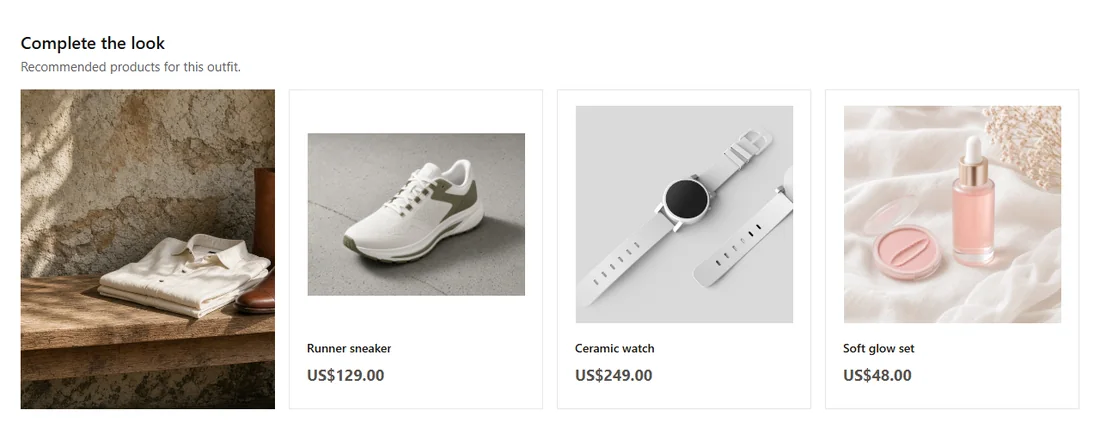
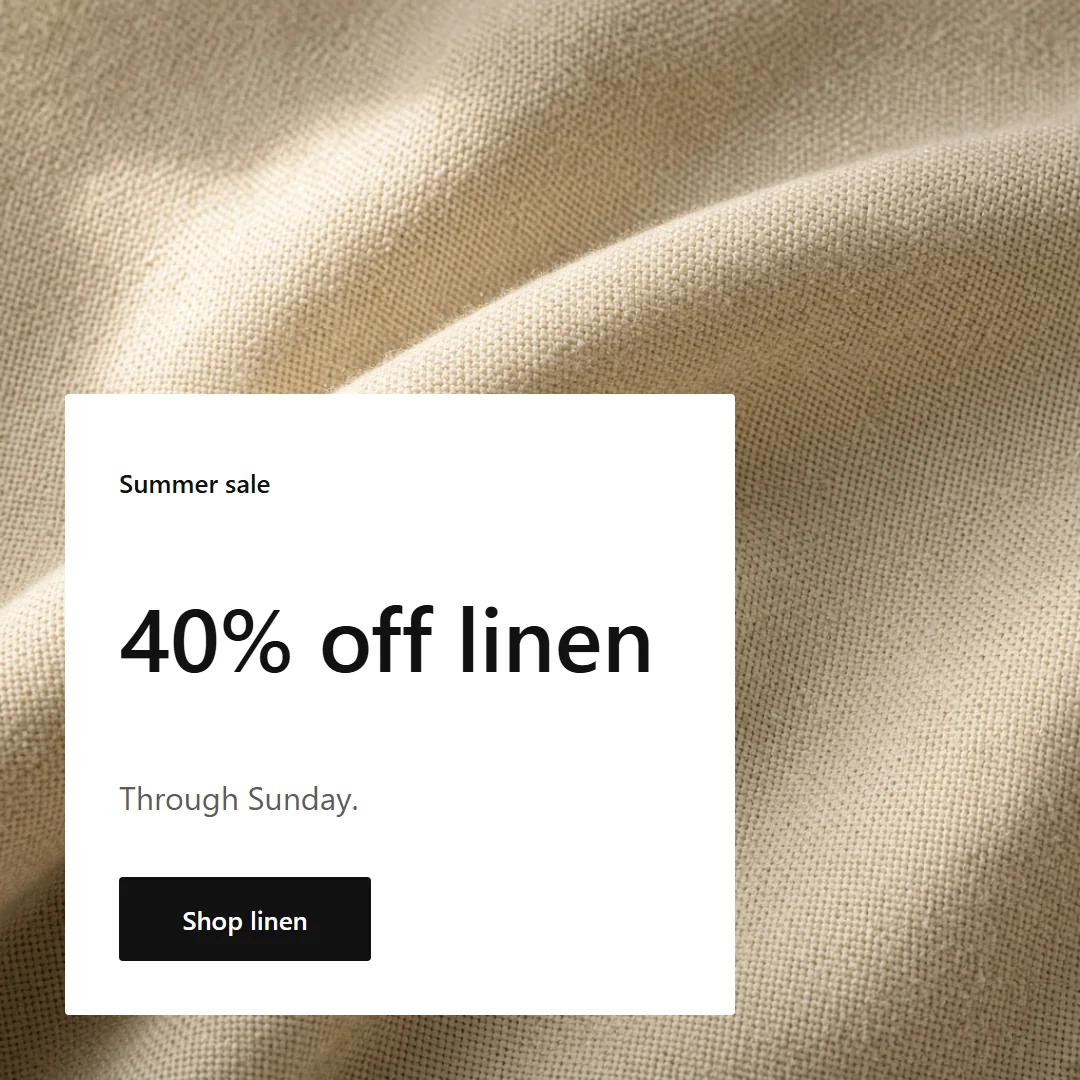
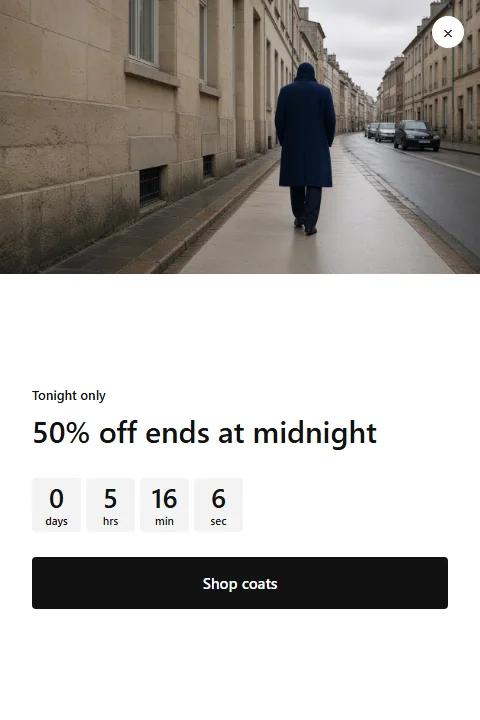
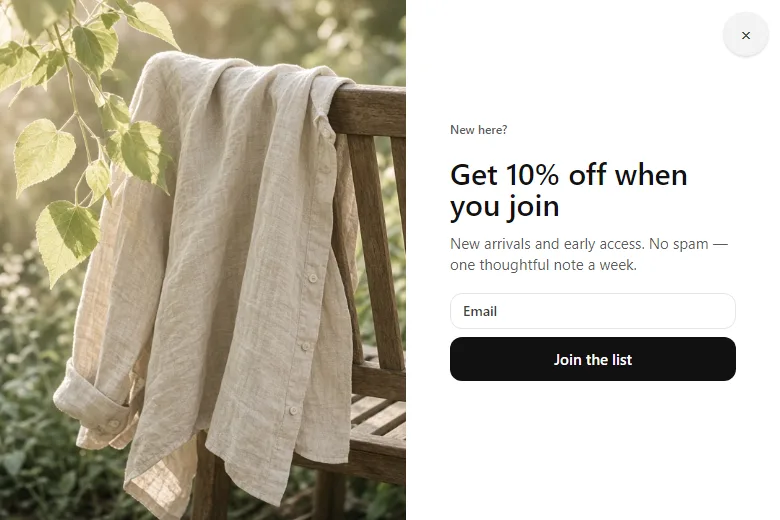
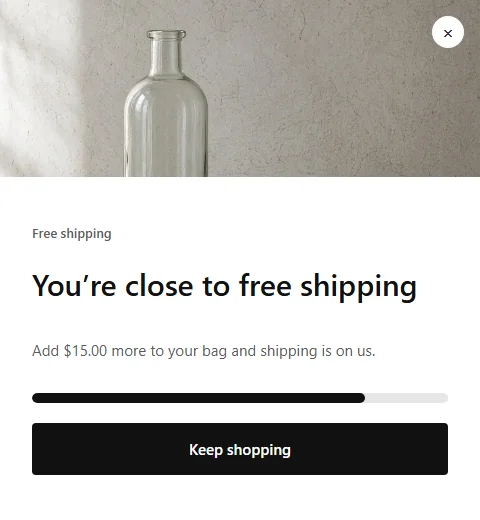
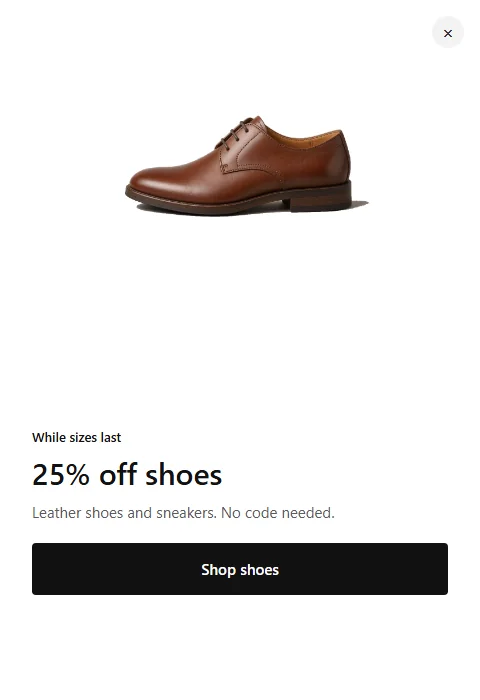
Popups, bars, heroes, social, banners, product rows, and toasts. Photos are gallery shots.
Sign-up, exit offer, code, countdown, free shipping, and back in stock. Each one has a job.
Photos here are gallery shots from the templates, not your catalog.
DESIGN STUDIO
HeadlineHeadline
Color
Size
Code after Send
TARGETING
Welcome code · A/B test
Sample data2,410 saw it · 96 signed up
2,388 saw it · 131 signed up
Contacts
Sample dataSample data. Your Overview and Contacts fill after visitors see your popups.
Products
Sample data Daily serumSEO rewrittenActive
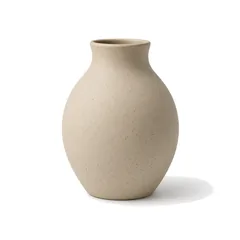 Stoneware vaseReady to sendActive
 Wireless headphonesNew pictureDraft
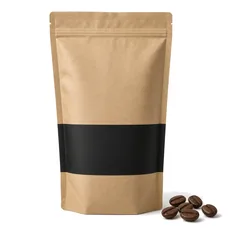 House blend coffeePrice updatedActive
PRODUCT DESK
Pull products, edit in bulk, rewrite titles and SEO, dry-run the changes, then write them back. New pictures use coins from your plan.
SETUP
Install from Shopify
Approve Castor in Shopify Admin. It opens inside the admin you already use.
Finish setup
About four minutes. Castor pulls products, designs a welcome and exit, and walks you to the embed.
Place a widget
Pick a product row. Castor opens the theme editor with the Widgets block ready. Press Save.
PRICING
Free puts Castor on a live store with 3 popups, 3 widgets, and 100 AI coins. Startup removes the live cap and adds A/B. Grow is 3,000 coins and same-day help.
Free
3 popups and 3 widgets on a live store.
$0 / month
Studio, targeting, codes, and the product desk.
Install freeStartup
For a store running offers every week.
$19 / month
Free tools, no live cap, and A/B tests.
Install on ShopifyGrow
More AI, and same-day help.
$49 / month
Startup tools, 3,000 coins, and same-day help.
Install on ShopifyYou upgrade for more things live, more coins, and A/B tests. Views stay unlimited on every plan.
| Compare plans | Free$0 / month | Startup$19 / month | Grow$49 / month |
|---|---|---|---|
| On your store | |||
| Popups | 3 | Unlimited | Unlimited |
| Widgets, bars, and banners | 3 | Unlimited | Unlimited |
| Contacts | Unlimited | Unlimited | Unlimited |
| Views and visitors | Unlimited | Unlimited | Unlimited |
| Translations per language | |||
| Design | |||
| Every gallery design | |||
| Design Studio and brand kit | |||
| AI coins each month | 100 | 1,000 | 3,000 |
| New product pictures | |||
| A/B, codes, and help | |||
| A/B tests | |||
| Targeting, schedules, and countdowns | |||
| One-use discount codes | |||
| Signups to Shopify customers if you turn it on | |||
| Results per popup and widget | |||
| Product desk and SEO rewrites | |||
| Help | One business day | One business day | Same day |
Each button opens the Shopify listing. You pick Free, Startup, or Grow after install. Prices in US dollars. Charged by Shopify on your store’s bill. Change or cancel any time from Shopify Admin.
Most stores have a first popup live in about five minutes. Install from the Shopify App Store, pick a design, change the words, turn on the Castor App embed, and place the Castor Widgets block. Castor shows you each step.
No. Every design opens in Design Studio, where you click a word to change it and pick a photo from your store. There is nothing to paste into your theme.
Castor works with Online Store 2.0 themes, which covers Dawn and the free Shopify themes plus most paid ones. Popups and bars use a theme app embed. Widgets are a theme block you place in the theme editor.
Yes. On install Castor reads your theme’s button color, font, and logo, and shows every design in your brand before you pick one. You can change the colors at any time.
The gallery has designs shot for fashion, beauty, home, food and drink, and tech stores, plus bars, toasts, and product rows that fit any store. Pick your store type and the gallery shows yours first.
Yes. Free is 3 popups, 3 widgets, unlimited contacts, and every design in the gallery. You stay on Free until you choose to upgrade. The popup and row on this site are gallery shots — they are not your store.
Full detail in the privacy policy and terms of service.
Unlimited views and contacts. A/B on Startup. Billed by Shopify when you upgrade.