
Product
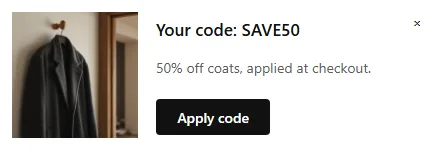
- PopupsWelcome, exit, and cart offers that ask once.
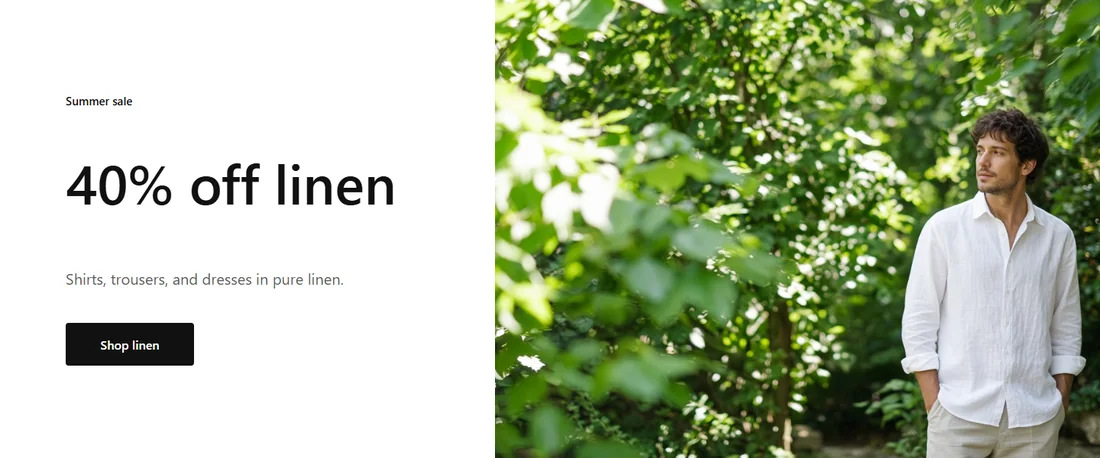
- Bars and bannersFree-shipping bars, heroes, and countdowns.
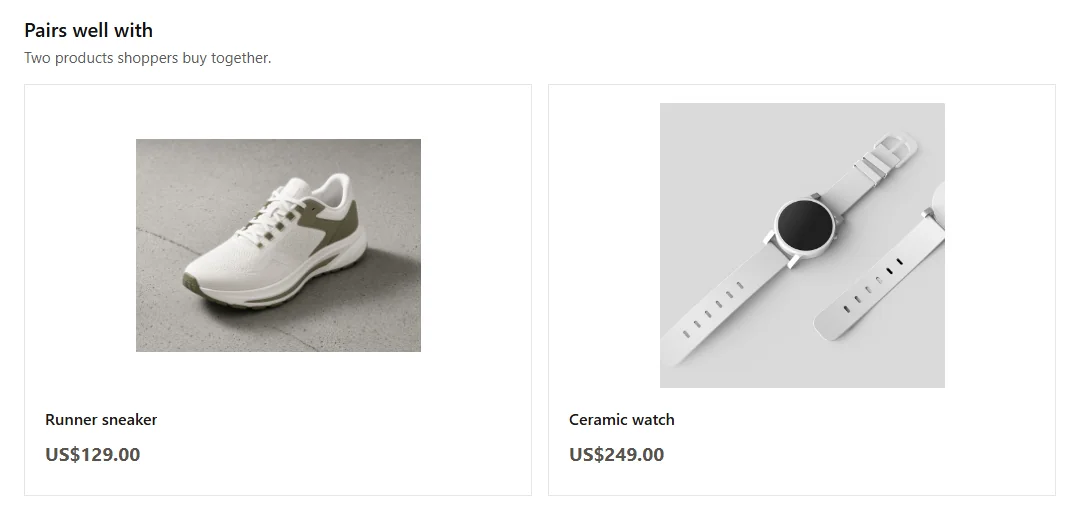
- Product rows and toastsFilled from your own catalog.
- Design StudioClick the words, change them, save.
- Targeting and A/B testsWhen, where, who — and A/B on Startup and Grow.
- Unlimited contactsEvery signup kept, on every plan.
- Product deskBulk edits, SEO, and product pictures.
Case studies
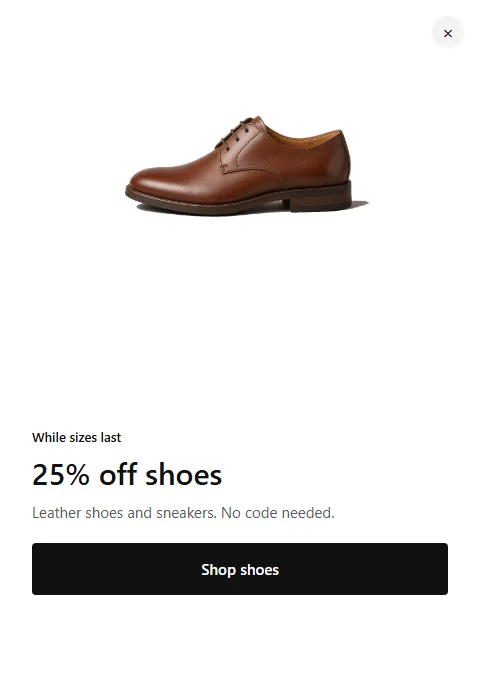
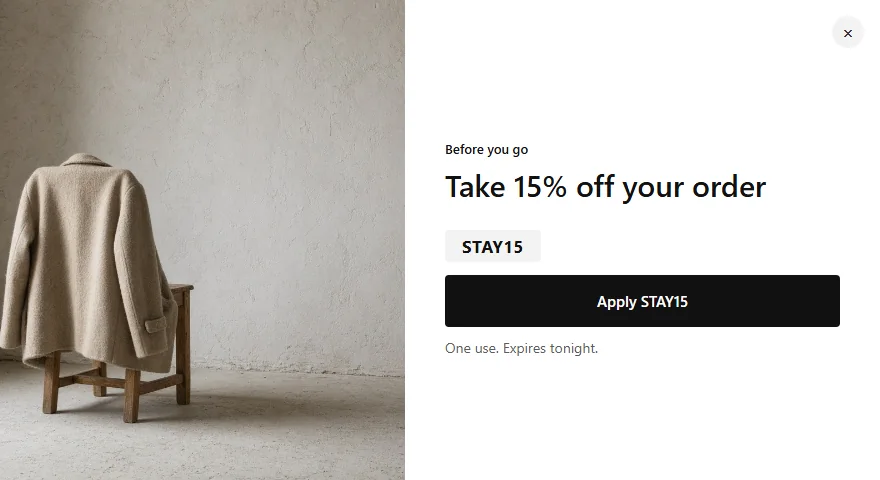
- FashionWelcome the drop, then show the rest of the look
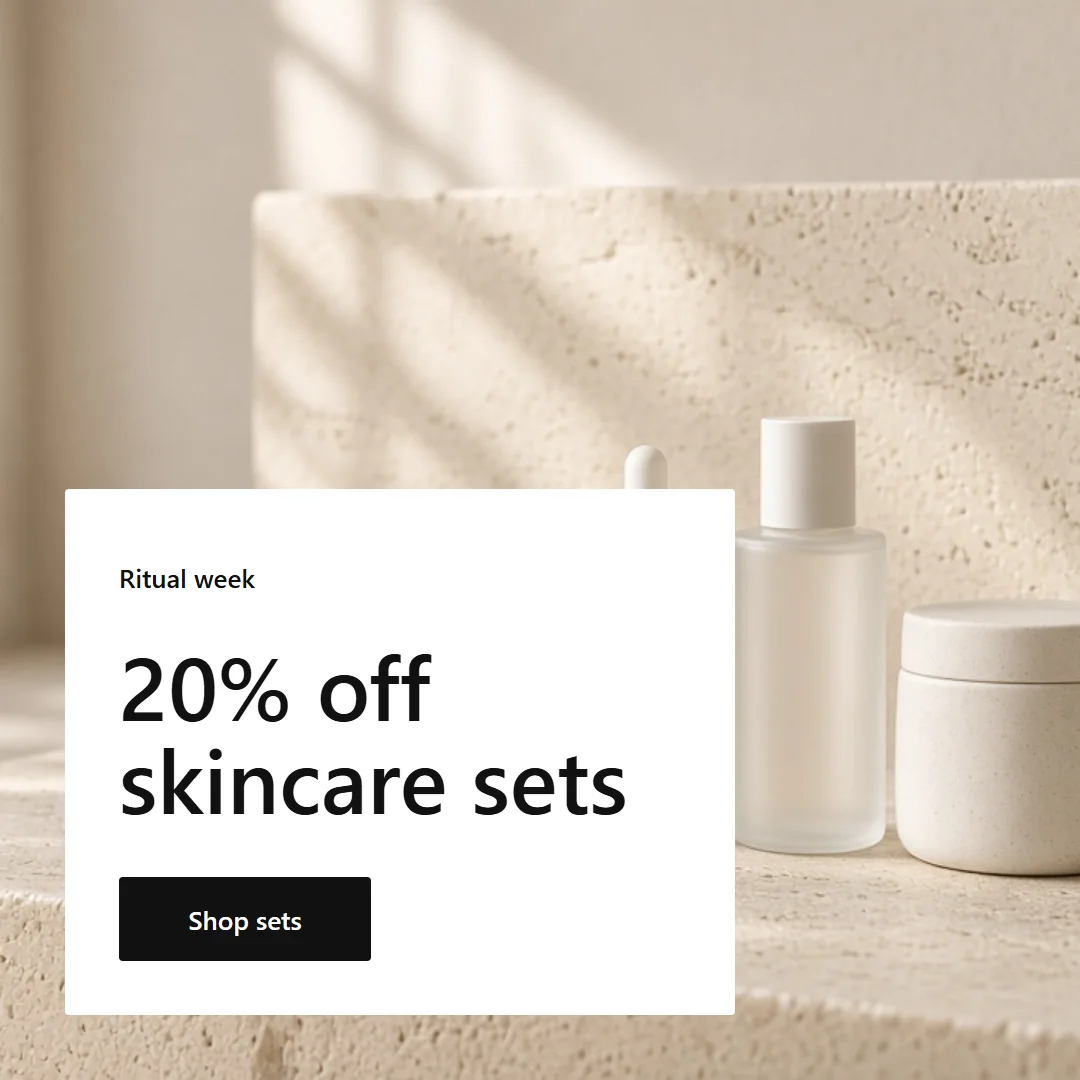
- BeautyShow the rest of the routine next to the serum
- HomeA code on the way out, bestsellers on the way in
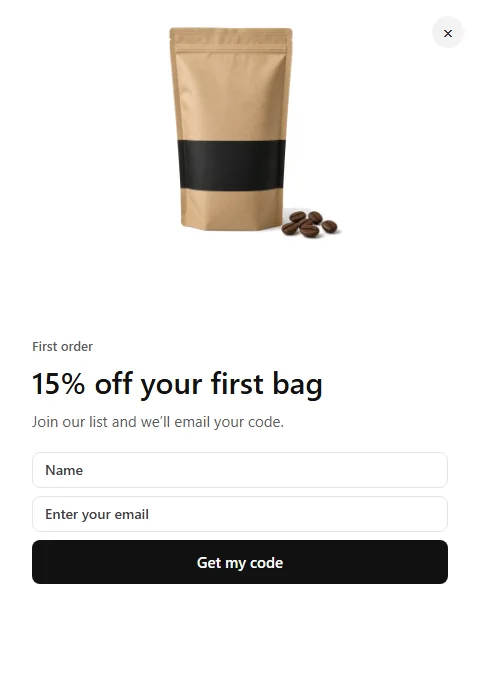
- Food and drinkA shipping goal, and a welcome code
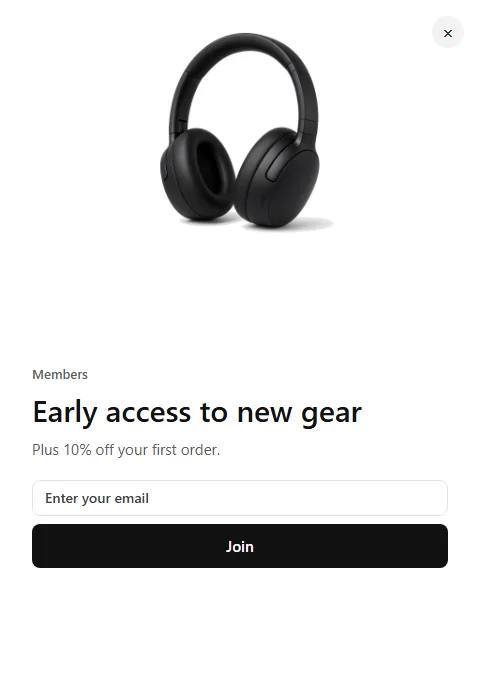
- TechShow the case and cable with the headphones
Free plan. Billed by Shopify when you upgrade.
Click the words. Change them. Save.
Every design opens in your colors, font, and logo. Swap the photo, the headline, and the code, and check it on a phone. Saving does not put it on the store — you still turn the popup on, or place the widget block.
- Free is 3 popups and 3 widgets
- Billed by Shopify
- No theme code
 Headline
Headline
Color
Size
Code after Send
- 140+
- ready designs
- 5
- store types, each with its own photos
- 7
- formats in one Studio
Brand kit, photos, blocks, phone check, AI words
Every design opens in your colors, font, and logo. Swap the photo, the headline, and the code, and check it on a phone. Saving does not put it on the store — you still turn the popup on, or place the widget block.
Your brand kit
Castor reads your theme's button color, font, and logo on install.
Swap the photo
Pick an image from your store or upload a new one.
Add blocks
Type, photos, shapes, product cards, a countdown, or a form.
Phone, tablet, desktop
Check every width before you turn it on.
AI words
Describe the offer, and Castor drafts the words for the design.
Gallery
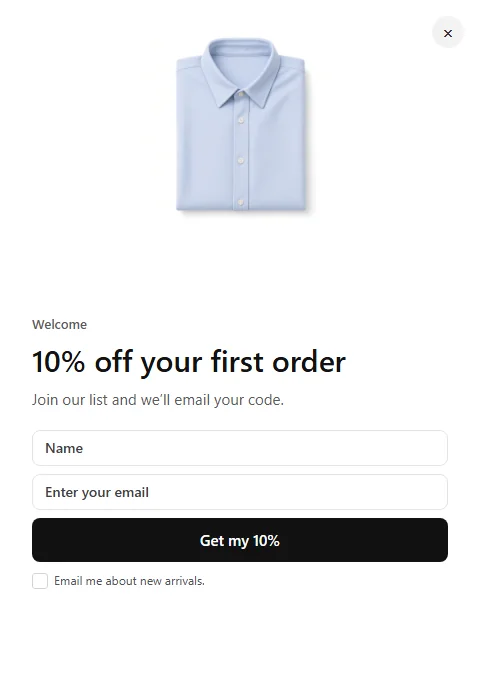
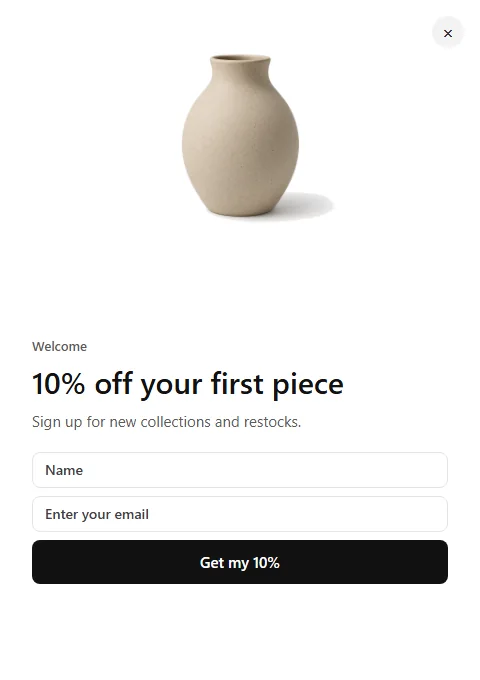
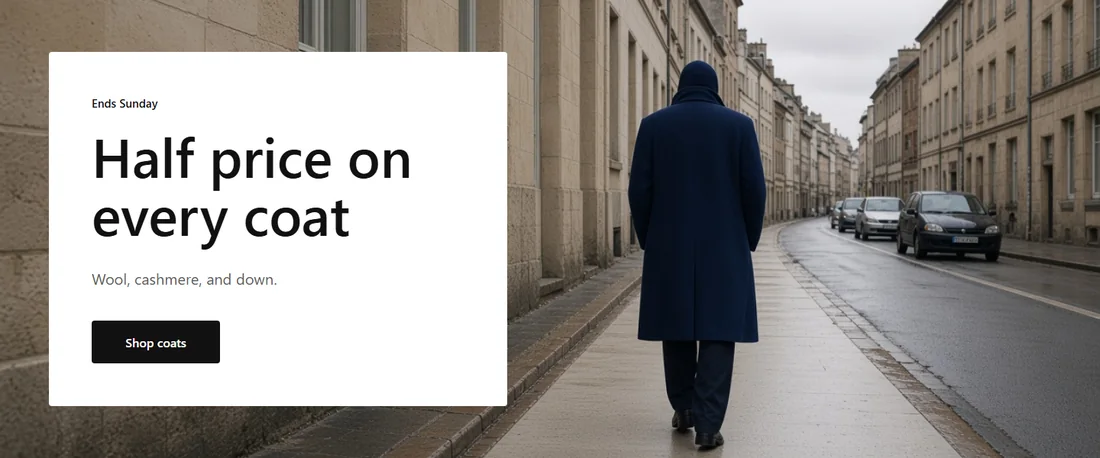
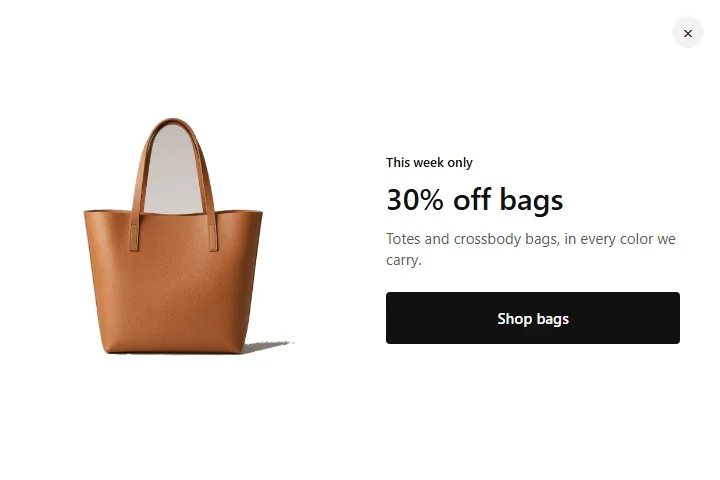
140+ designs, shown in your brand
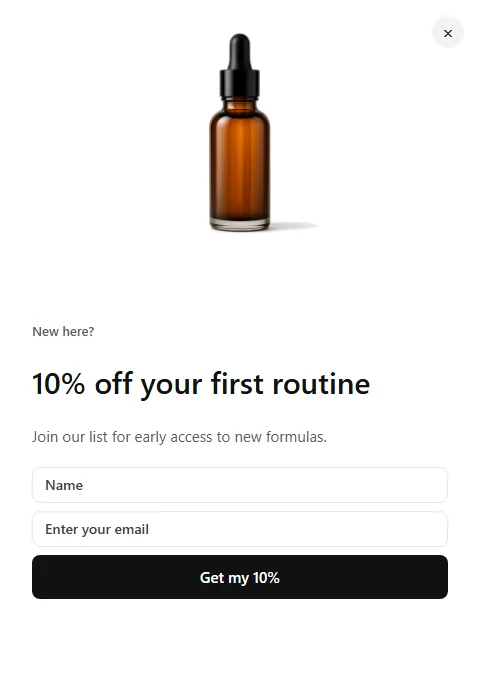
Clean grounds and strong type that sit well on any theme. Pick your store type and the gallery shows designs shot for what you sell.
- Fashion, beauty, home, food and drink, and tech
- Popups, bars, heroes, banners, product rows, toasts, and social posts
- Save your own as templates
Social posts
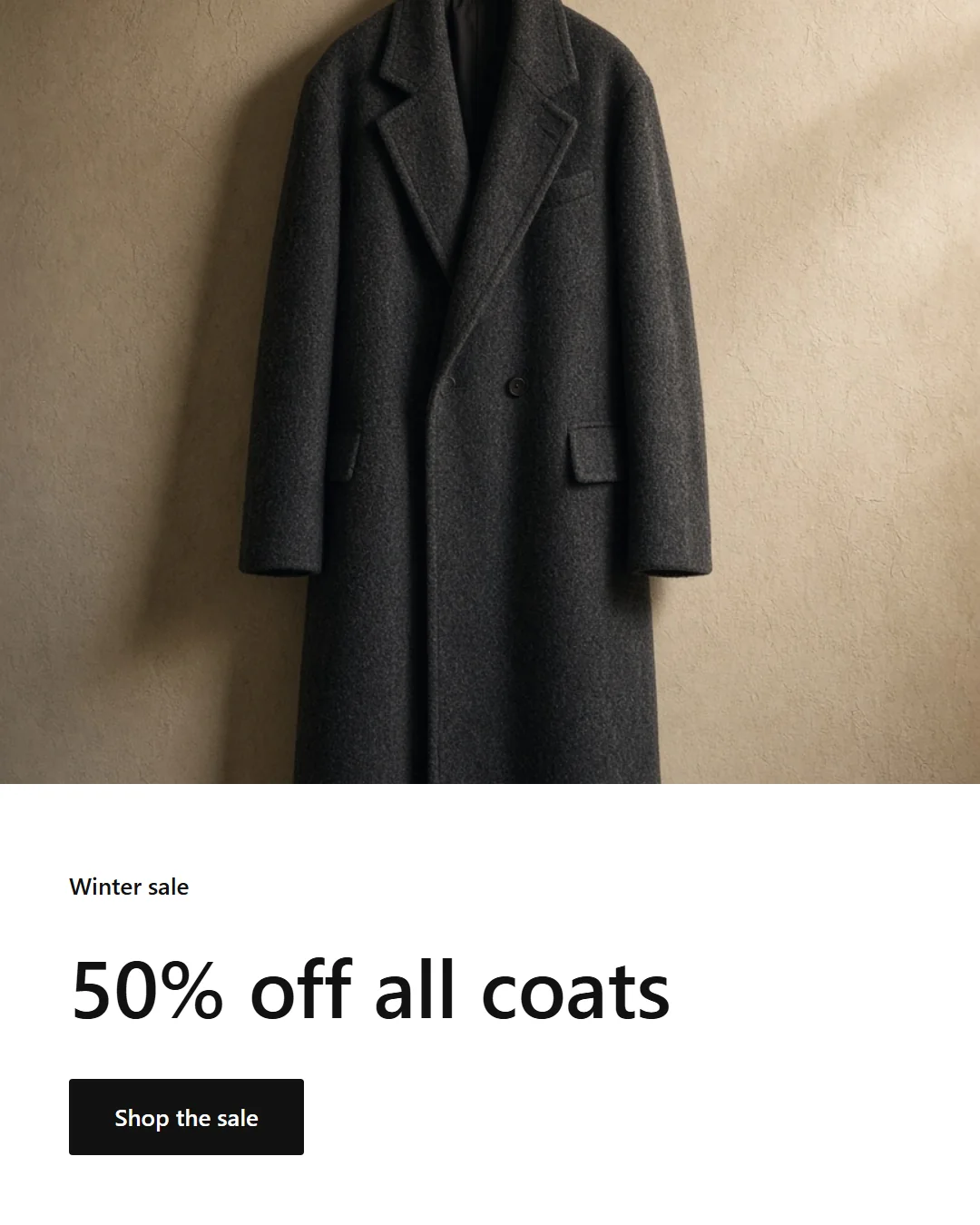
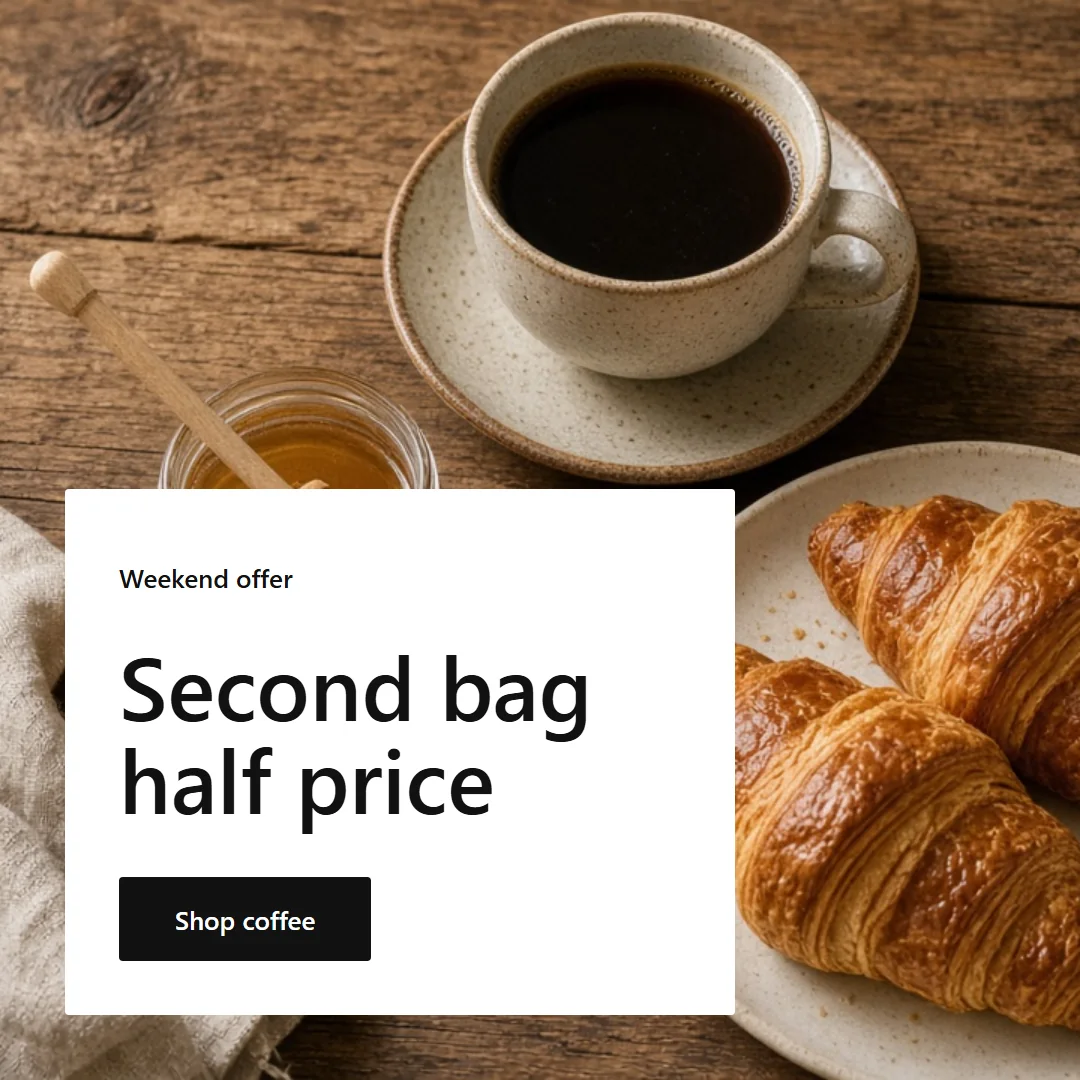
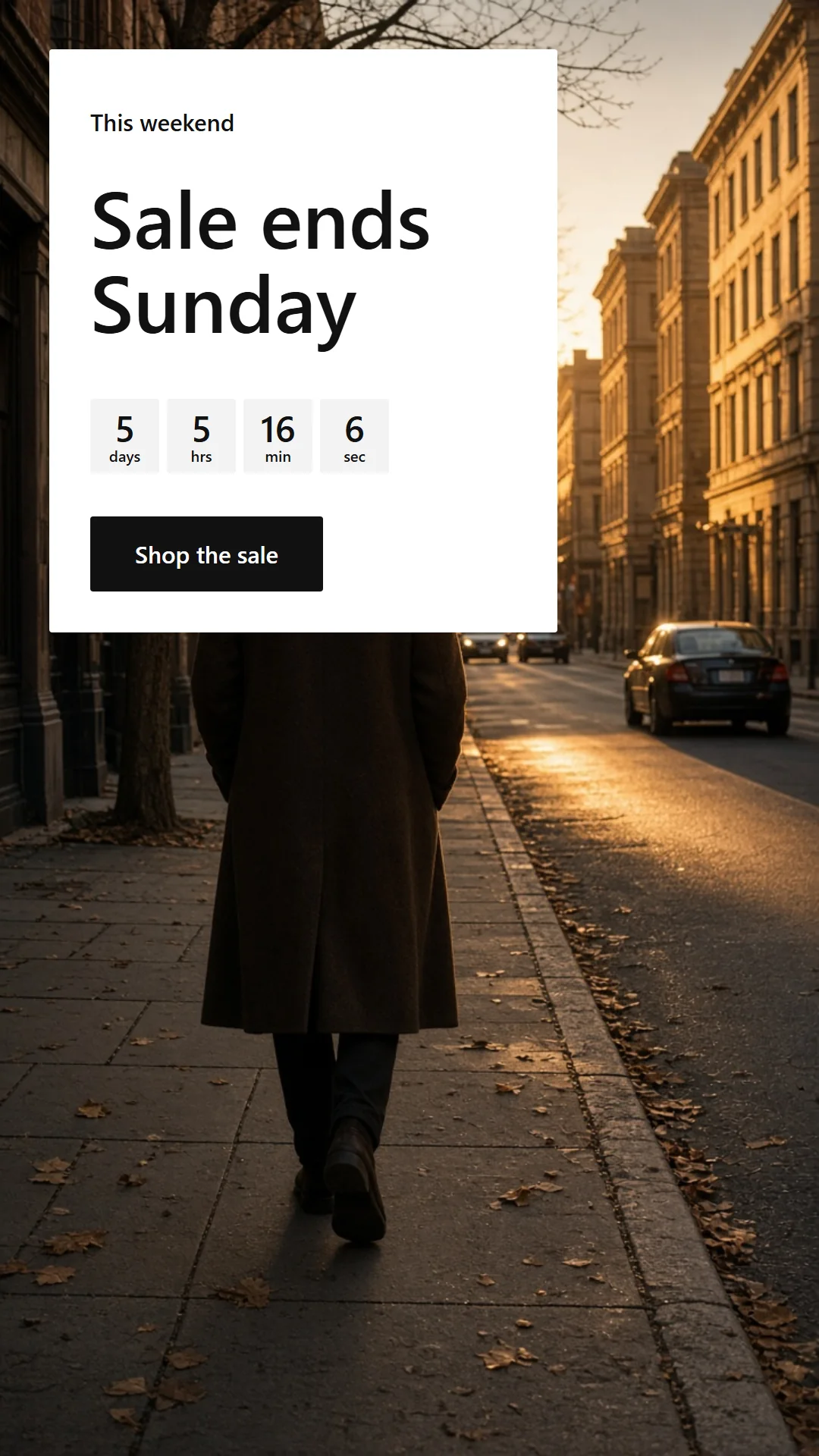
The same design, ready for Instagram
Turn the offer into square, portrait, and story posts in the same look, and download them for your socials.
- 1080×1080, 1080×1350, and 1080×1920
- Same photo and words as the popup
- Download as an image
Questions about Design Studio
Do I need to know code or design?
No. Every design opens in Design Studio, where you click a word to change it and pick a photo from your store. There is nothing to paste into your theme.
Will designs match my brand?
Yes. On install Castor reads your theme's button color, font, and logo, and shows every design in your brand before you pick one.
Do I have to use AI?
No. Every design works without it. AI is there to save time when you want a draft of the words or a new picture.
More answers in the FAQ.
Popups, bars, Studio, contacts, and the desk.
Install free. Three popups, three widgets.
Unlimited views and contacts on every plan. A/B tests start on Startup. Billed by Shopify when you upgrade.