
Product
- PopupsWelcome, exit, and cart offers that ask once.
- Bars and bannersFree-shipping bars, heroes, and countdowns.
- Product rows and toastsFilled from your own catalog.
- Design StudioClick the words, change them, save.
- Targeting and A/B testsWhen, where, who — and A/B on Startup and Grow.
- Unlimited contactsEvery signup kept, on every plan.
- Product deskBulk edits, SEO, and product pictures.
Case studies
- FashionWelcome the drop, then show the rest of the look
- BeautyShow the rest of the routine next to the serum
- HomeA code on the way out, bestsellers on the way in
- Food and drinkA shipping goal, and a welcome code
- TechShow the case and cable with the headphones
Free plan. Billed by Shopify when you upgrade.
Product rows that show the next product
Rows of real products from your catalog — bought together, similar, bestsellers, new in — and toasts that confirm the add and suggest the next item.
- Free is 3 popups and 3 widgets
- Billed by Shopify
- No theme code
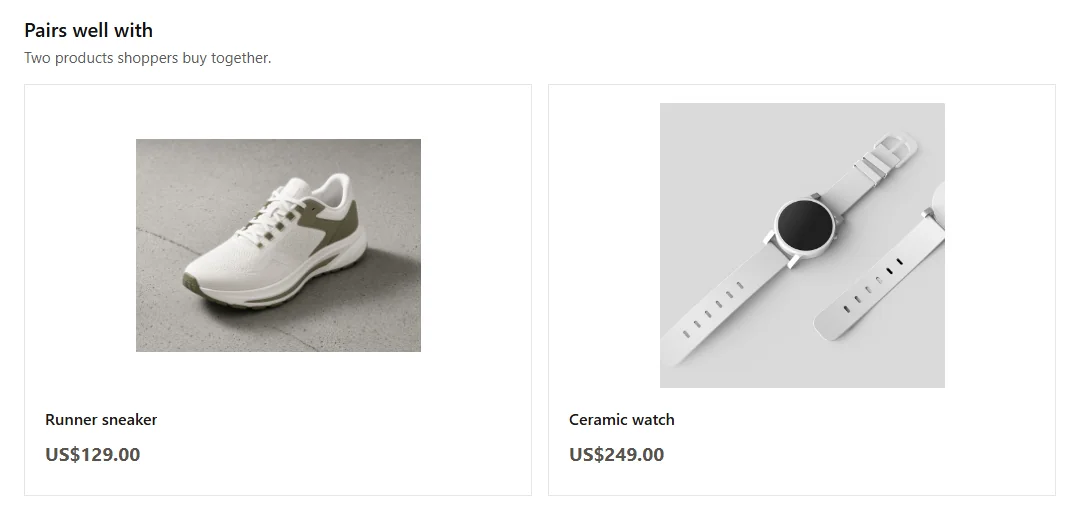
- Real
- products from your catalog
- Only
- items that are live on the store
- Views
- and clicks per row
Rows filled from your catalog
Rows of real products from your catalog — bought together, similar, bestsellers, new in — and toasts that confirm the add and suggest the next item.
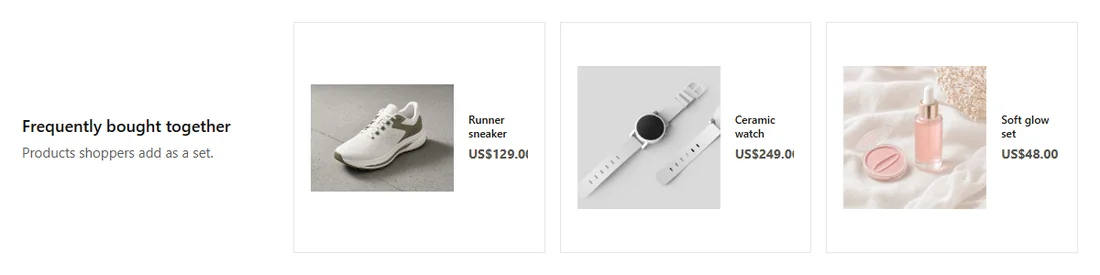
Bought together
Items shoppers buy with this one, from your orders or the catalog.
Similar products
Alternatives from the same type and collection.
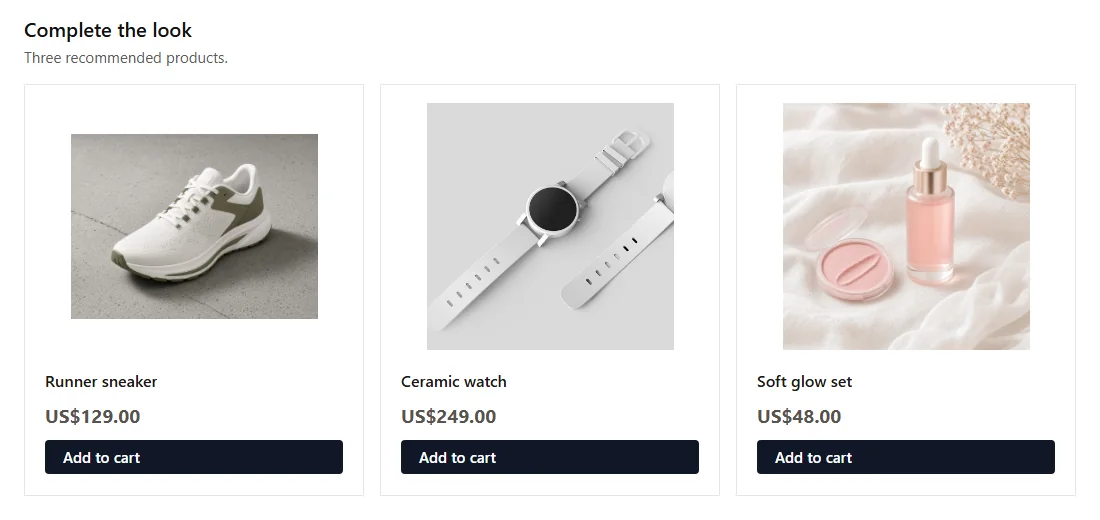
Bestsellers and new in
What sells most, and what just landed.
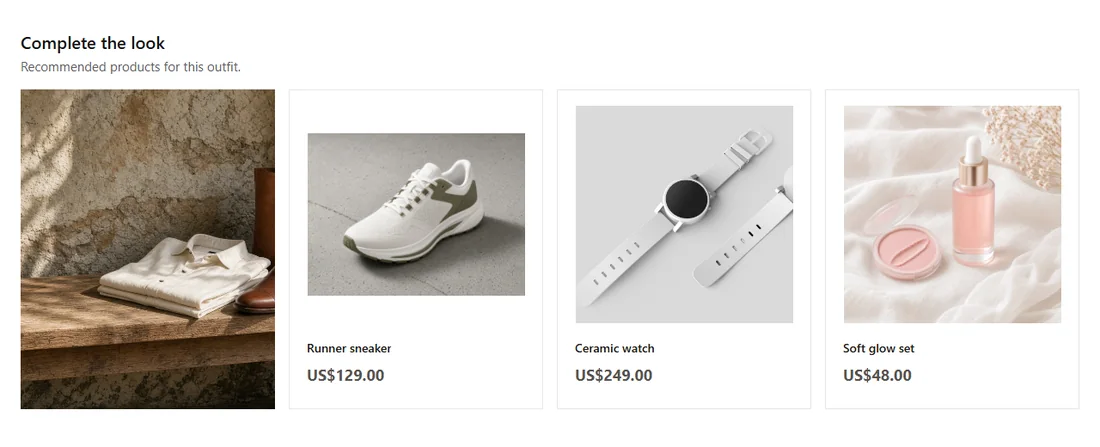
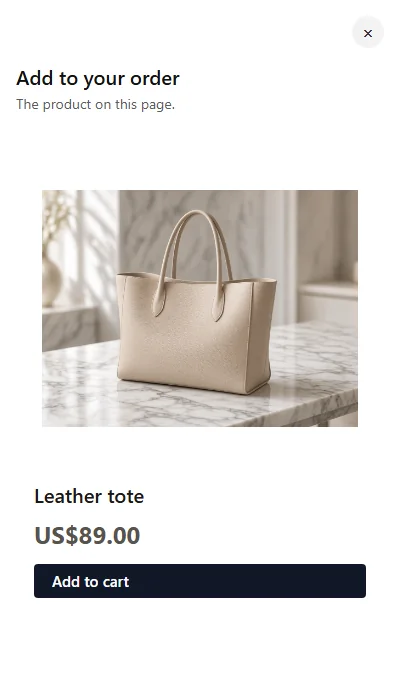
Cart drawer row
A last suggestion where the shopper is about to pay.
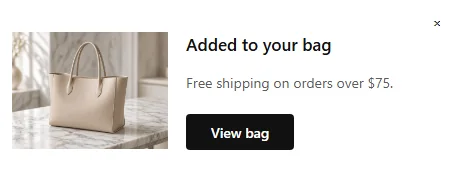
Added-to-cart toast
Confirms the add and keeps the shopper browsing.
No broken links
Only products a shopper can buy
Rows fill from your live Shopify catalog. Drafts, archived products, and products not on your online store are left out. Deleted products drop off by themselves.
- Prices and photos straight from Shopify
- Falls back to popular products when a row would be empty
- Updates when your catalog changes
Products
Sample data Daily serumSEO rewrittenActive
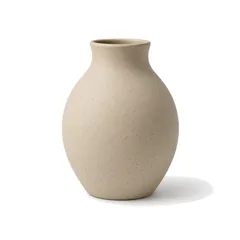 Stoneware vaseReady to sendActive
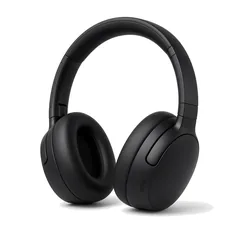 Wireless headphonesNew pictureDraft
 House blend coffeePrice updatedActive
Toasts
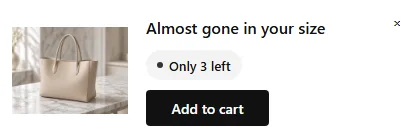
A toast after add to cart
When a shopper adds to cart, a toast confirms it and points to the cart or a matching item, without taking over the page.
- Sits in the corner, out of the way
- Points to the cart or a matching item
- In your colors and font

Questions about Product rows and toasts
Where do the products come from?
From your own Shopify catalog. Castor pulls your products and keeps them up to date, so prices, photos, and stock match your store.
What if a product is sold out or deleted?
Deleted, draft, and unpublished products are left out. An active product still shows even when Shopify reports zero or unknown stock.
Can I pick the products myself?
Yes. Pin specific products in Design Studio, or let a row fill itself from bought together, similar, bestsellers, new, or a collection.
More answers in the FAQ.
Popups, bars, Studio, contacts, and the desk.

Install free. Three popups, three widgets.
Unlimited views and contacts on every plan. A/B tests start on Startup. Billed by Shopify when you upgrade.